Preview and reopening Content for editing

Opening an artifact from the Library
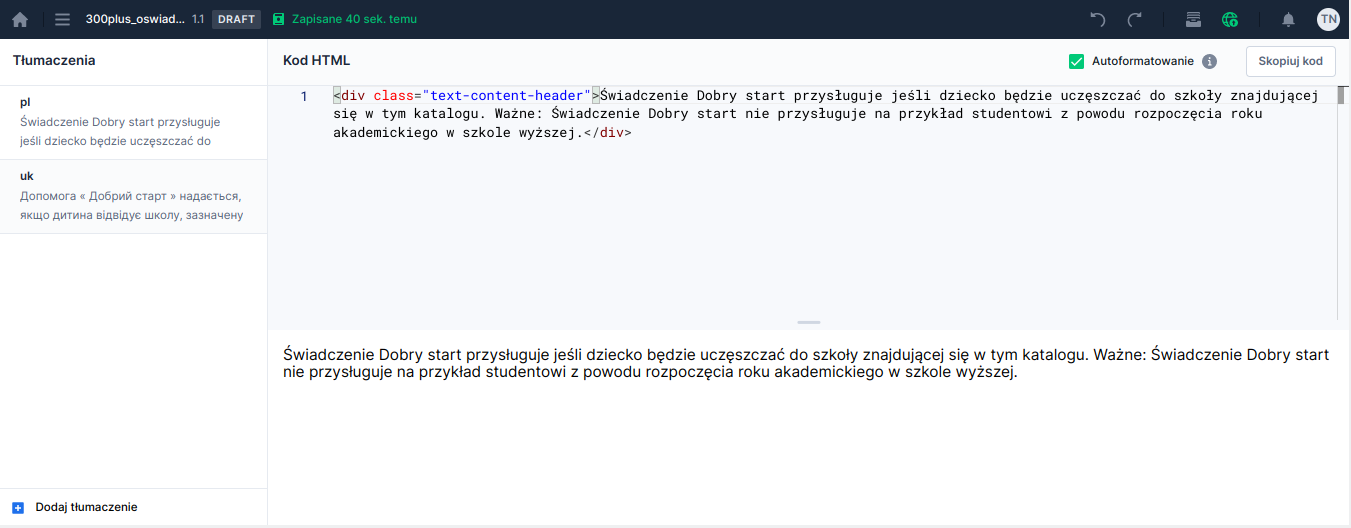
To reopen an artifact Content for editing or preview we go to the module Library and select the tab Content, and then after finding the correct artifact click on its name. The artifact will be displayed in preview mode.

Illustration 1. Artifact "Content" in preview mode

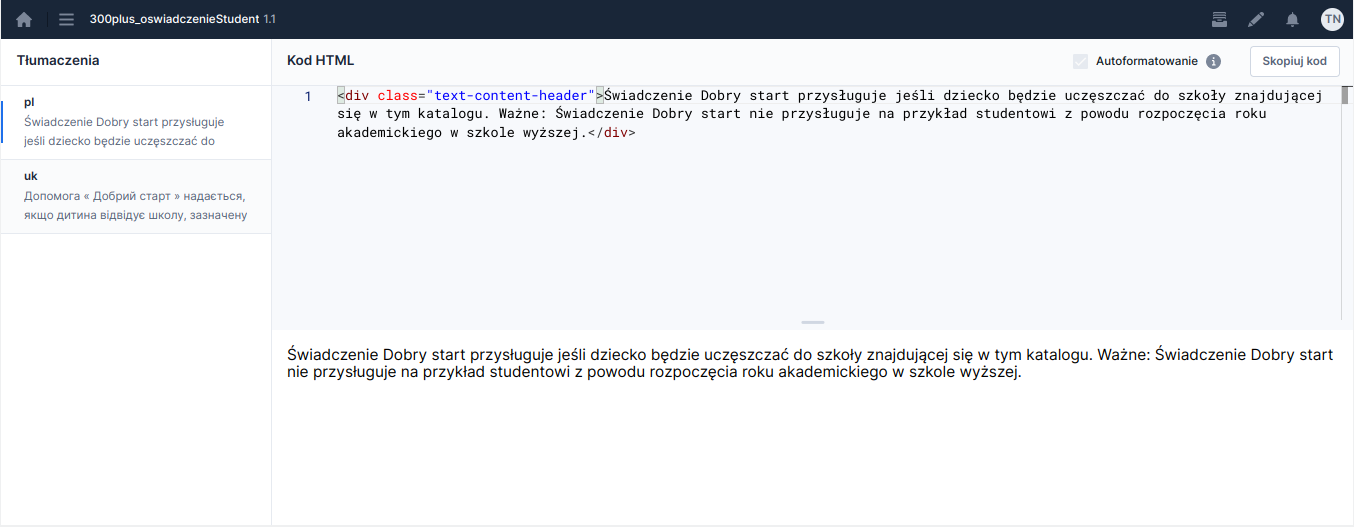
To edit the artifact click the button located on the right side of the top bar Edit content.

Illustration 2. Artifact "Content" in edit mode

Opening an artifact from the application
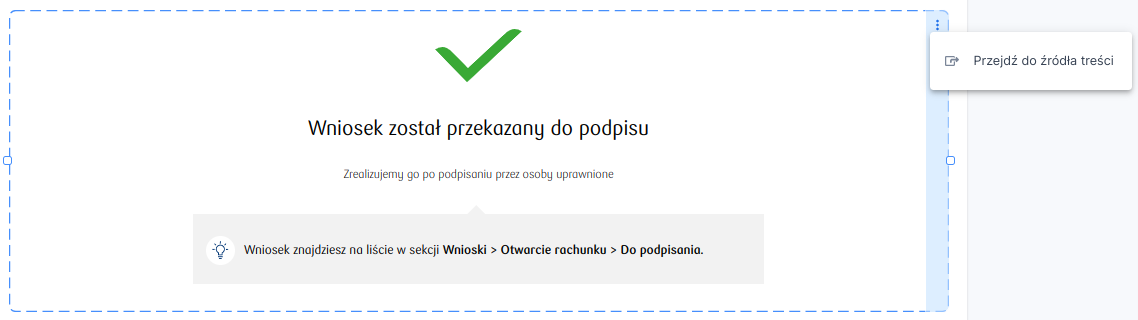
While on the application we can easily open Content attached to the component Formatted content. Just select the component and choose the option in the context menu Go to content source.

Illustration 3. Option that allows navigating to the source of the attached Content

Last updated

Was this helpful?