Structure of the data model

Tree structure

The data model has a tree structure that facilitates mapping the hierarchical structure of business domain objects.

Leaves of the tree represent the most detailed element of the structure. Leaves, called fields, no longer have any other child elements and represent a single data field. Examples may be "customer's first name" or "bank account number".

Nodes of the tree represent objects composed of other objects and/or fields. Examples: "correspondence address", "customer income".

Nodes

Each node of the data model has attributes:

  • a key unique among its siblings (descendants of the same node)

  • multiplicity expressed by the formula n..m meaning from n occurrences minimally to m maximum, e.g.:

    • 1..1 - the object occurs only once

    • 0..1 - the object is optional

    • 1..null - the object occurs at least once, with no limit on the maximum number of occurrences

  • a description of the object's meaning for the application

Nodes can therefore be uniquely identified by a key formed by joining the keys of parent nodes, e.g.: client.email.

Leaves

Besides node attributes, leaves additionally have:

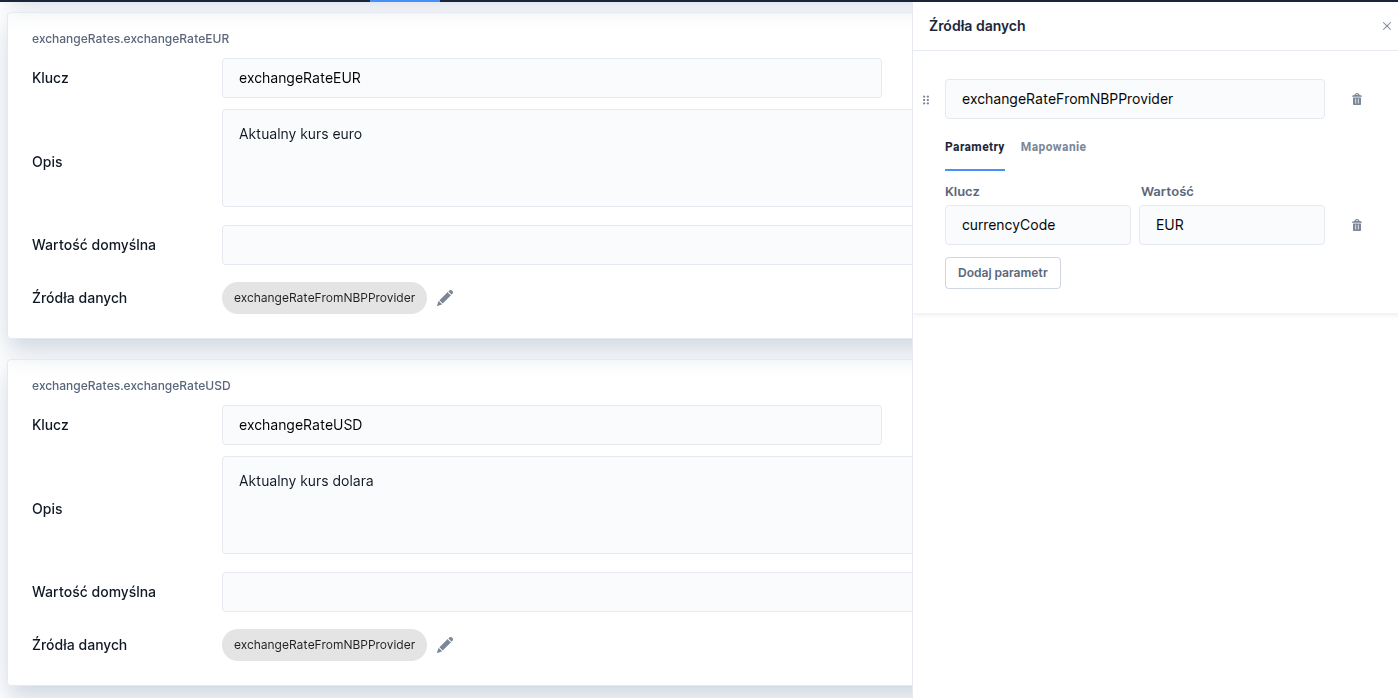
  • data sources - specify how and from where the value is retrieved

  • default value - what the field will return if none of the data sources return a value

A field may have a defined list of data sources. Resolving a field's value consists of calling data sources in the order they are defined until a non-empty value is obtained. Thus the first source returning a non-empty value wins.

Data from the model can only be retrieved for single keys selected by us, i.e. we cannot retrieve values of keys that have children beneath them, just as we cannot retrieve the entire model in a single query.

Arrays in the data model

Nodes of the model marked as multiple (maximum multiplicity >1) create an array of simple values (for fields) and complex objects (for nodes that are not leaves). It is also possible to define nested collections.

Keys and identifiers

When referring to model nodes defined as an array (or being descendants of an array) you should always use array notation:

  • array[].field - retrieves all occurrences of the field; depending on the API used it will return a collection or a single string with a "," separator

  • array[0].field - will retrieve a single value resolved by the row of the collection indicated in the key (in the example 0 means the first element of the array),

  • array.field - will cause an error, there is no way to refer to an array node without array notation,

Defining an array

To define an array field it is necessary to:

  • a multiple data model node must have multiplicity greater than multiplicityMax=1, e.g. 1..null,

  • a multiple data model node must have defined sources pointing to an array; the indices of that collection will be used to index repetitions of the model's values,

  • nodes below a multiple data model node may in mapping use the index of the iterated model node to point to specific elements of the service output,

    • the parent node will always expose in the execution context its current index (while resolving values for the collection) under the identifier nodeNameIdx,

    • fields iterated by the parent should point to objects inside the collection the parent iterates over,

    • however this is not strictly necessary; it is possible to use this index to iterate over a completely different field or to extract fields that are not arrays at all.

For example, given a service result that consists of a fixed field and two arrays — known to have the same length (arrayA, arrayB, fieldC) — it is possible to create a mapping where the model iterates over arrayA, but its subfields extract successive fields from arrayB and the constant value from fieldC.

Last updated

Was this helpful?